How it works.
A native window, a small executor on your Mac, and the agents you already use. The cloud is there when you want it, and out of the way when you don't.
The pieces
The app is Rust on GPUI, drawn with Metal: no Electron, no web view, and no frames drawn while it is idle. Under it runs the executor, a small service bundled with the app on Bun. The app talks to it over a local socket.
The executor starts each provider through its own interface and keeps each session's history. Helper programs and terminals it starts run under the macOS sandbox. Each agent talks straight to its own provider on its own login, the same as it would in a terminal.
A turn, step by step
The same five steps for Claude Code, Codex and Pi, on one approvals card.
-
1
You send a message
With the provider, model, thinking level and permission mode chosen in the composer. Attachments are read on your Mac.
-
2
The executor hands it to the agent
Through the provider's own interface: the Claude Agent SDK, codex app-server or Pi's RPC mode, signed in with the provider's own login.
-
3
The agent works
Its plan, reads, edits, subagents and replies stream into the transcript as they happen, drawn natively.
-
4
It stops when it needs you
A command or edit outside the permission mode becomes an approval card, and a question becomes a question card. Nothing runs until you answer.
-
5
The turn ends
The sidebar moves the session out of Working and the app can notify you. In a cloud session, a checkpoint is saved.
Where sessions live
Settings → Worktrees → Where sessions live has two choices. This Mac only runs every session in the executor on your Mac with no account: nothing is uploaded or checkpointed, and sessions stay put.
Cloud needs a napdock account, signed in with a passkey or Google. Sessions are synced, checkpointed after every turn that changes files, and can run in a cloud container and move back to your Mac.
Either way, each new session can get its own Git worktree under
~/.napdock/worktrees, branched from your current branch.
Checkpoints
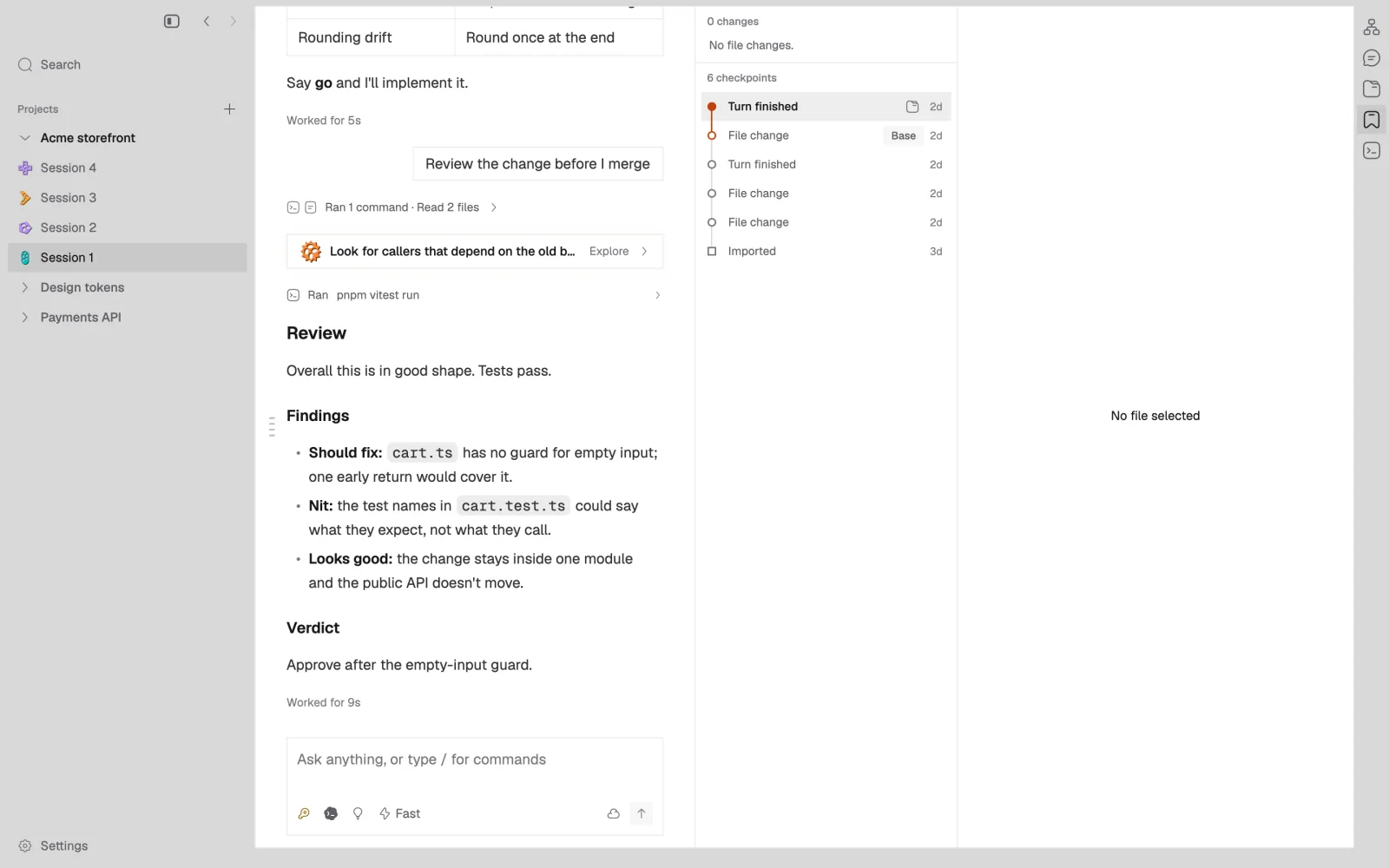
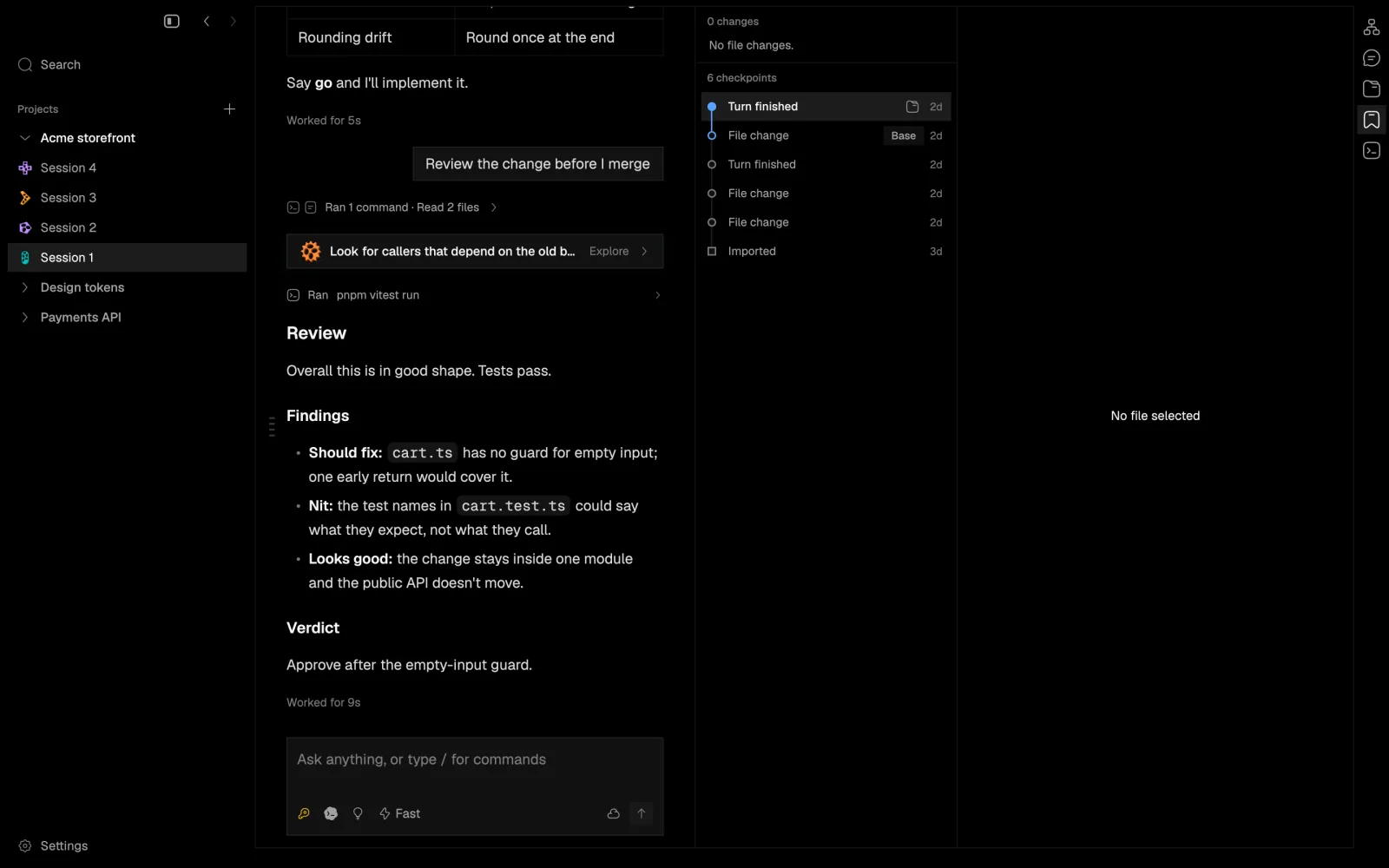
When a turn in a cloud session changes files, the files and the public conversation are saved together as an immutable checkpoint, labelled with why it was saved. The Checkpoints panel (⌘2) lists them, compares from any one with per-file diffs, and lets you browse the files as they were.
- Saved
- The checkout and the public conversation
- Not saved
- Provider-private reasoning, and your logins
- Storage
- Content-addressed and compressed, synced incrementally
Moving a session
A cloud session can run on your Mac or in a cloud container started from its saved commit. Only one machine may write to it at a time. A move takes five steps:
- Finish or stop the running turn
- Save a checkpoint of the files and the conversation
- Fence the old machine so it can no longer write
- Restore the checkpoint where the session is going
- Resume the same conversation there
If files changed on both sides, the Handover pane (⌘4)
compares Yours and Incoming, with a three-way merge, Merge with AI, or a
pull request through gh.
Extensions
An extension is a TypeScript package with up to four parts. It is
packed into one .gbext archive by
napdock-ext pack, and each grant it asks for can be
revoked in Settings.
-
uiThe extension's interface, described in TypeScript and drawn by the app. It runs in a sandboxed worker.
-
mainIts logic, in its own process under a macOS sandbox profile, with only the network, file and process access it declares.
-
helpersNative programs it ships, run under the same sandbox.
-
agentTools, skills and hooks it gives your agents.
Next
Privacy and security covers what leaves your Mac and how it is protected, and the FAQ answers the rest.