Your panel, drawn like it shipped with the app.
Extensions are TypeScript packages. They describe their views and the app draws them natively, next to everything else, at the same frame rate. Each part gets only the access it declares.
Use one part or all four.
-
uiA panel, drawn natively
A sandboxed Bun worker describes views with signals and components; the app draws them with its own renderer. It has no network.
-
mainThe part that does things
Bun under a Seatbelt profile built from what it declares: which commands, hosts, files and environment it may use. The panel reaches it through a typed contract.
-
helpersNative when it must be
Signed programs pinned to their Apple team ID at install, for work like streaming a simulator or a web page into a live surface.
-
agentTools and skills for agents
Served to Claude Code, Codex and Pi through the plugin gateway, with hooks before and after tool calls.
Twenty lines to a native panel.
This is the hello example. The view function runs again
whenever the session or its state changes, and the app redraws only what
changed.
import { defineExtension, ExtensionIdSchema, space } from "@napdock/extensions";export default defineExtension({ id: ExtensionIdSchema.make("hello"), title: "Hello", setup(api) { let clicks = 0; // Runs again whenever the session or the state changes. api.view((ui, { session }) => { ui.column({ gap: space["3"], padding: space["4"] }, () => { ui.heading("Hello from an installed extension"); ui.text(`${String(session?.turns.length ?? 0)} turns so far`, { color: "muted" }); ui.button(clicks === 0 ? "Click me" : `Clicked ${String(clicks)}`, { onClick: () => { clicks++; }, }); }); }); },});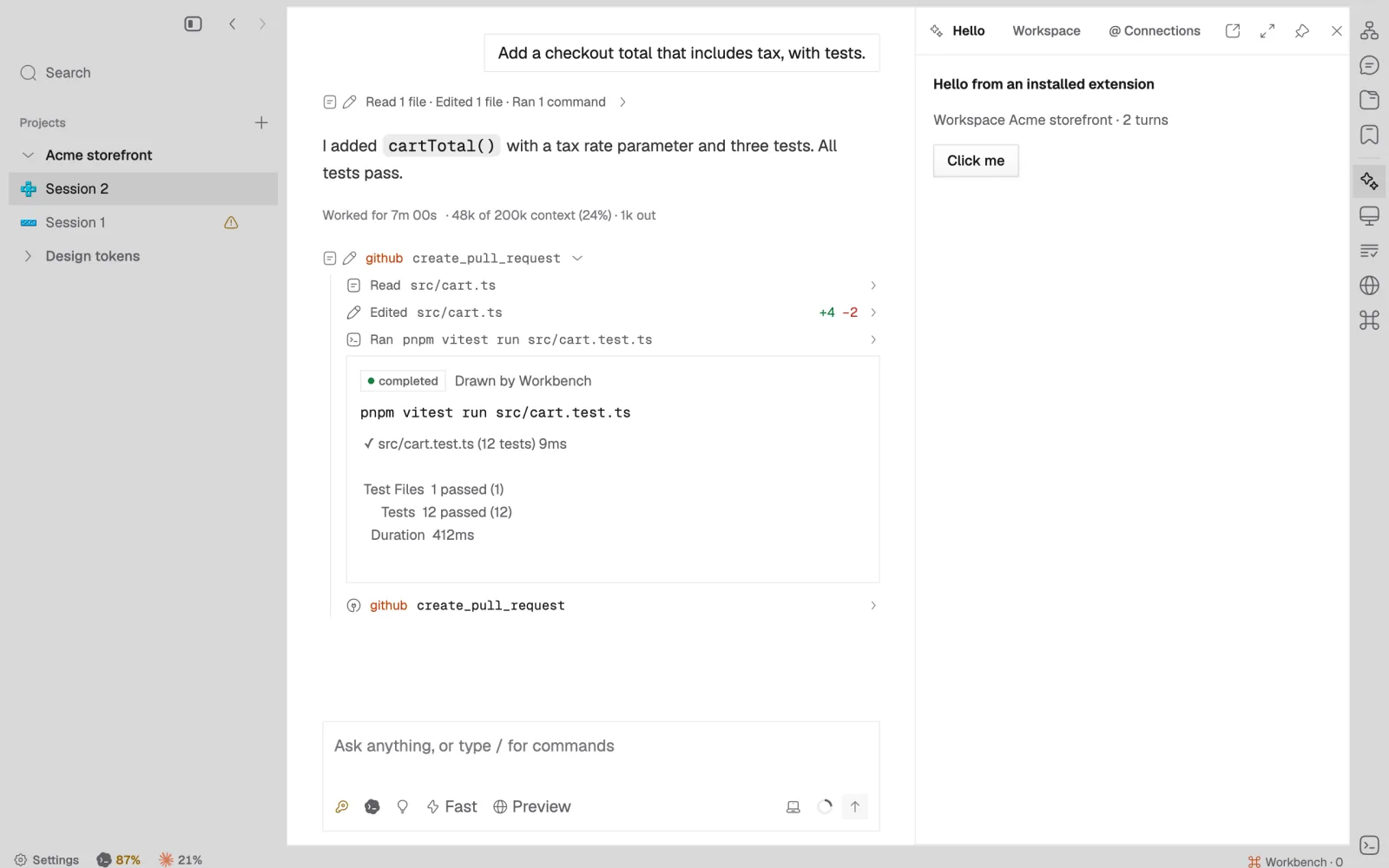
The panel asks. Main does. Types check both.
The panel can't reach the network; its main part can, but only the hosts it declared. They talk through a contract defined once with Effect Schema, so a wrong shape fails in your editor, not in front of a user.
import { Schema } from "effect";import { Ipc } from "@napdock/extensions/ipc";// Owner, Repo and RepoError are Effect schemas defined above./** What the panel asks of `main`, typed on both sides. */export const Repos = Ipc.define({ name: "repos", methods: { top: { input: Schema.Struct({ owner: Owner }), output: Schema.Array(Repo).check(Schema.isMaxLength(10)), error: RepoError, }, }, state: Schema.Struct({ served: Schema.Int, lastOwner: Schema.NullOr(Schema.String), }),});Anywhere the app draws.
- Panel
- A pane beside the session, with tabs and its own scope
- Command
- In the palette, on a key, or as a slash command
- Settings page
- Under Settings → Extensions
- Slots
- Title bar, status bar, composer pill, session header, sidebar and message actions
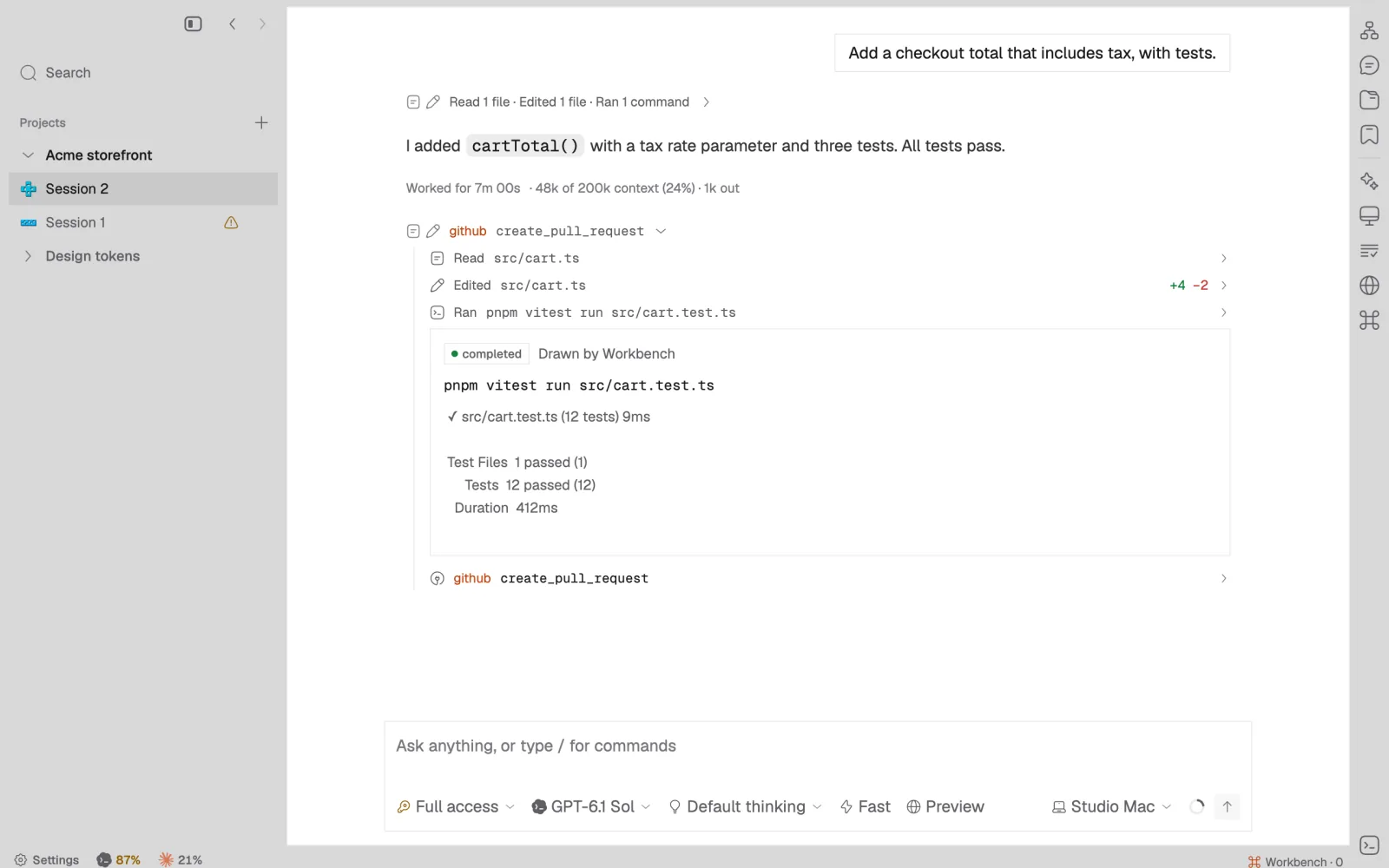
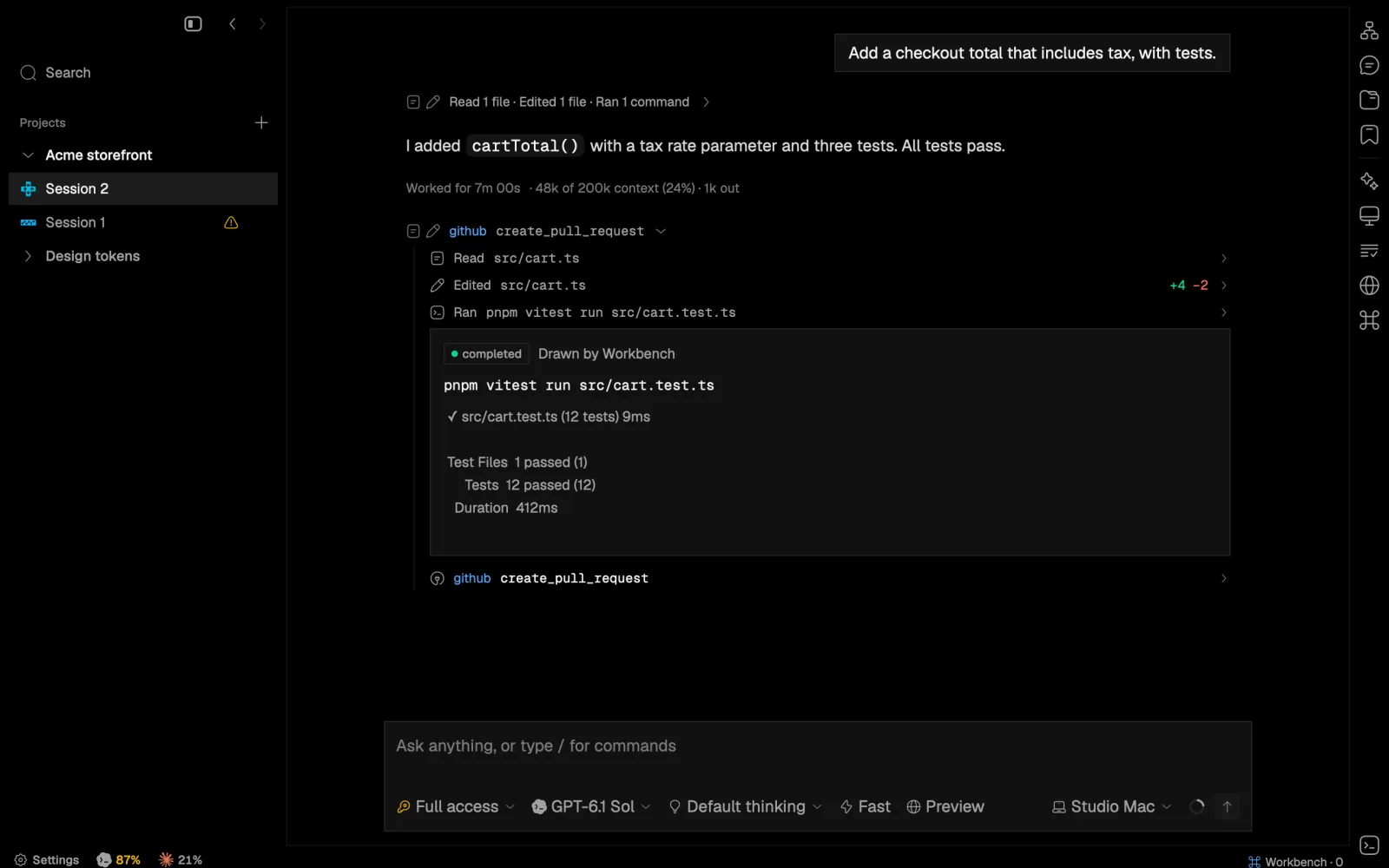
- Tool renderer
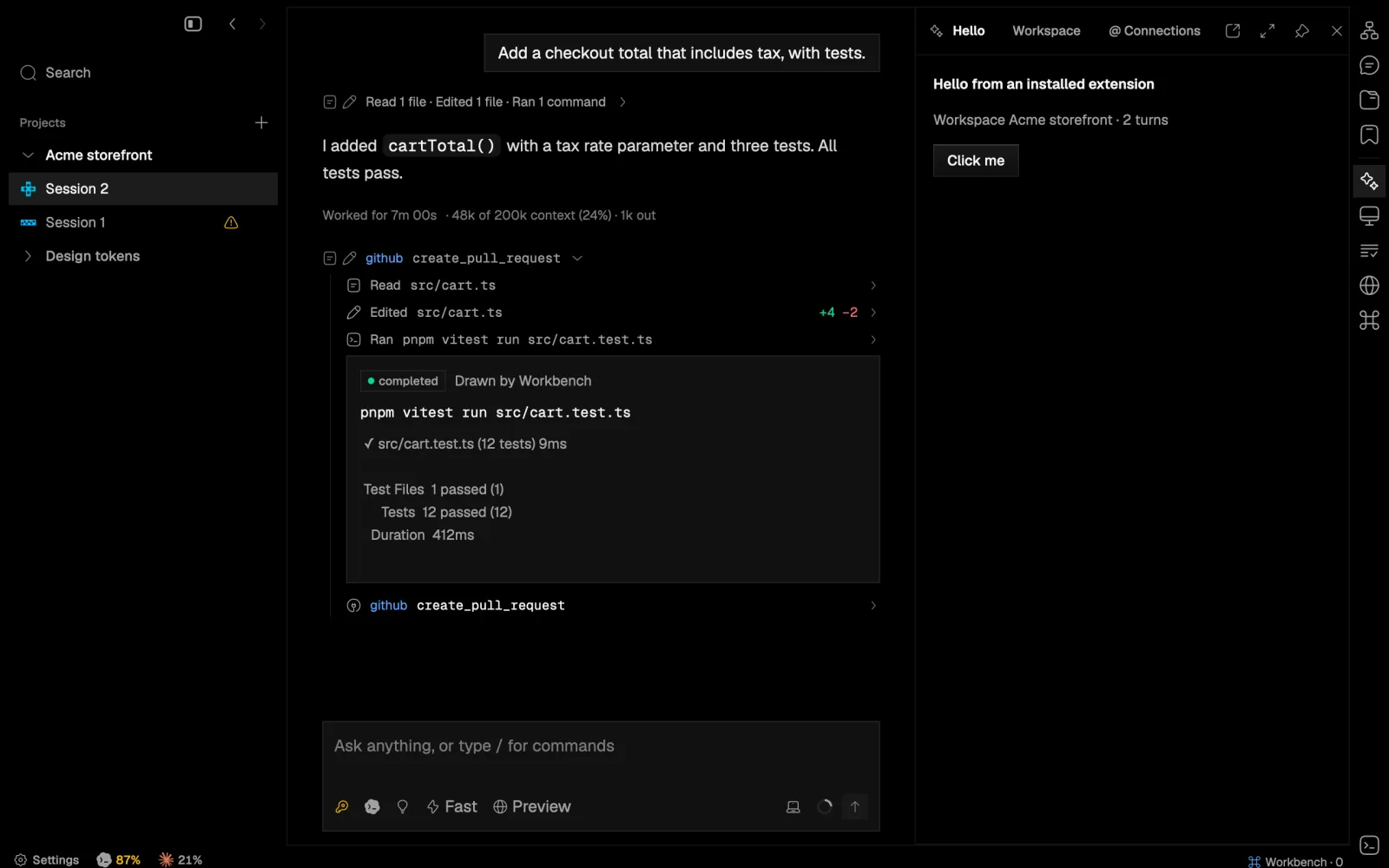
- Draw a tool call your way, such as a test run
- Markdown renderer
- Render a fenced block, such as csv
- File viewer
- Open a file type the app doesn't know
- Link handler
- Decide what a pasted or clicked link opens
- Dialogs and toasts
- Ask, confirm, and offer actions
- Themes and keys
- Ship a theme or a keybinding
A host API, not a back door.
Extensions work through the app: they ask it to insert into the composer, open a pane or call a service, and the app decides whether they may.
- Composer
- Insert text, set it, attach a file, choose a model
- Layout
- Open, focus and size panes
- Stores
- Global and per-session state that persists
- Connections
- Call a service, including GitHub, with an account the user granted; the token never reaches the extension
- Contracts
- Share typed interfaces with other extensions
- Agent hooks
- Before and after a tool, on a prompt, on a permission request
Scaffold, test, link, ship.
napdock-ext writes a package from a template (panel,
command, tool or webview), tests it against a fake app, links it to
the running app with reload on save, and packs a reproducible archive.
napdock-ext new my-panel --template panelcd my-panel && napdock-ext testnapdock-ext devWatching /Users/me/my-panel; press Ctrl-C to stop.Built dist/ui.js (ui, 1.0 KB)Linked my-panel 0.1.0, revision 1: the app installs it and reloads it.Six to start from.
Examples you add from a folder in Settings → Extensions. The app itself ships with none, so what you install is what you get.
-
GitHub
Every pull request and issue of the project: an inbox sorted by what needs you, native review with viewed marks and threads, stacks, checks and merging, and Work on this PR to start a session on its branch.
-
iOS Simulator
The simulators on this Mac in tabs or side by side, with Home, rotate, recording into the composer, and tools agents use to read the screen and tap elements.
-
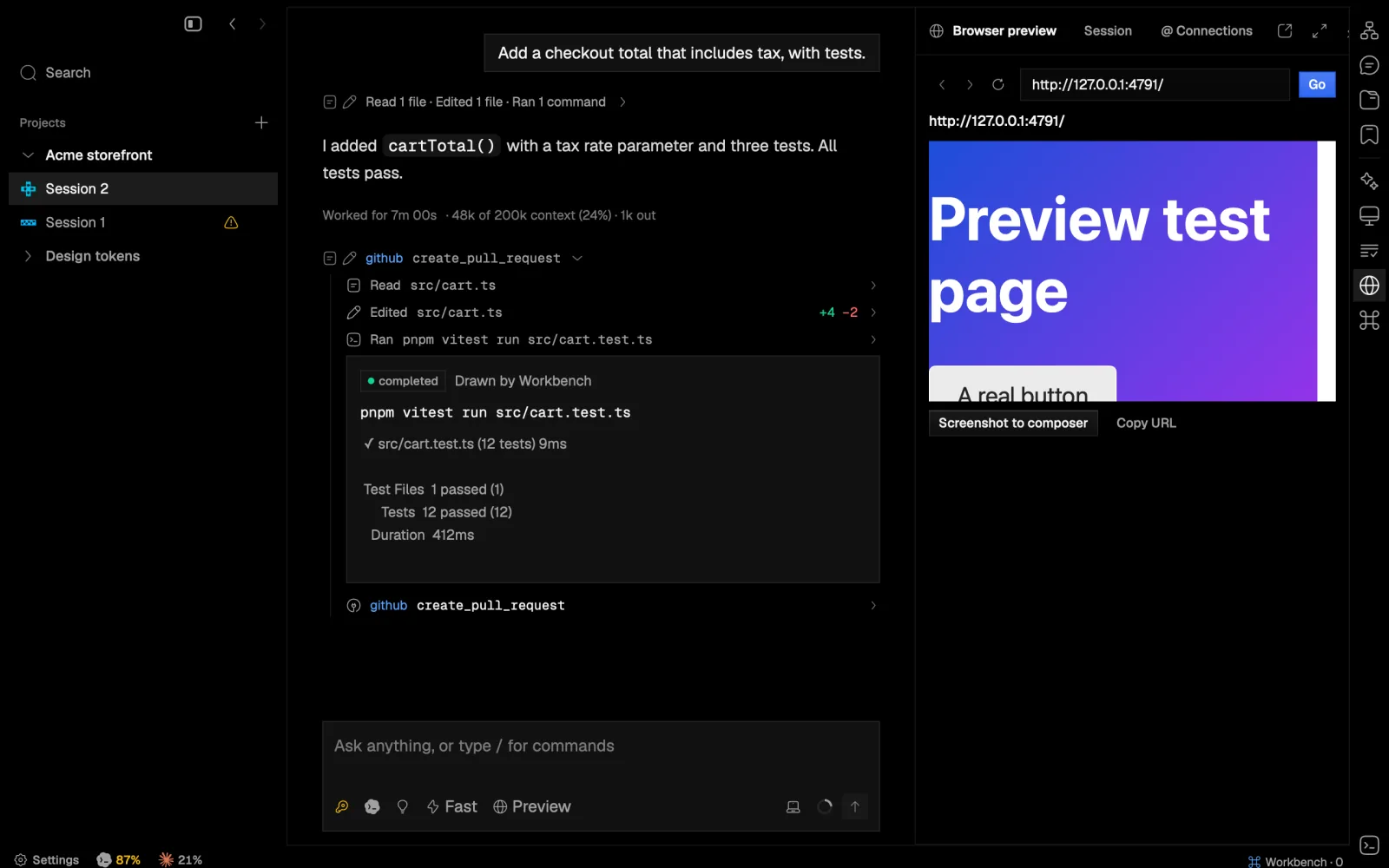
Browser preview
Your dev server rendered off screen and streamed into a live surface that takes clicks, scrolling and typing, with Screenshot to composer.
-
Repo stars
A panel that asks its main part, through a typed contract, for an owner's most starred repositories.
-
Workbench
Every contribution point at once: a command, a settings page, a status bar slot and renderers.
-
Hello
The smallest extension: what is selected, and a counter.
Small enough to trust.
- Bundle
- 4 MB per entry
- Package
- 4,096 files and 64 MB
- Install from
- A folder, a packed archive or npm, without install scripts
- Integrity
- A SHA-256 hash for every file
- Permissions
- Off until granted; revoke any of them in Settings